See where size is trading.
High-notional prints show substantial public Hyperliquid activity. Inspect the market, direction, and timing alongside the price reaction.
Hyperliquid whale alerts
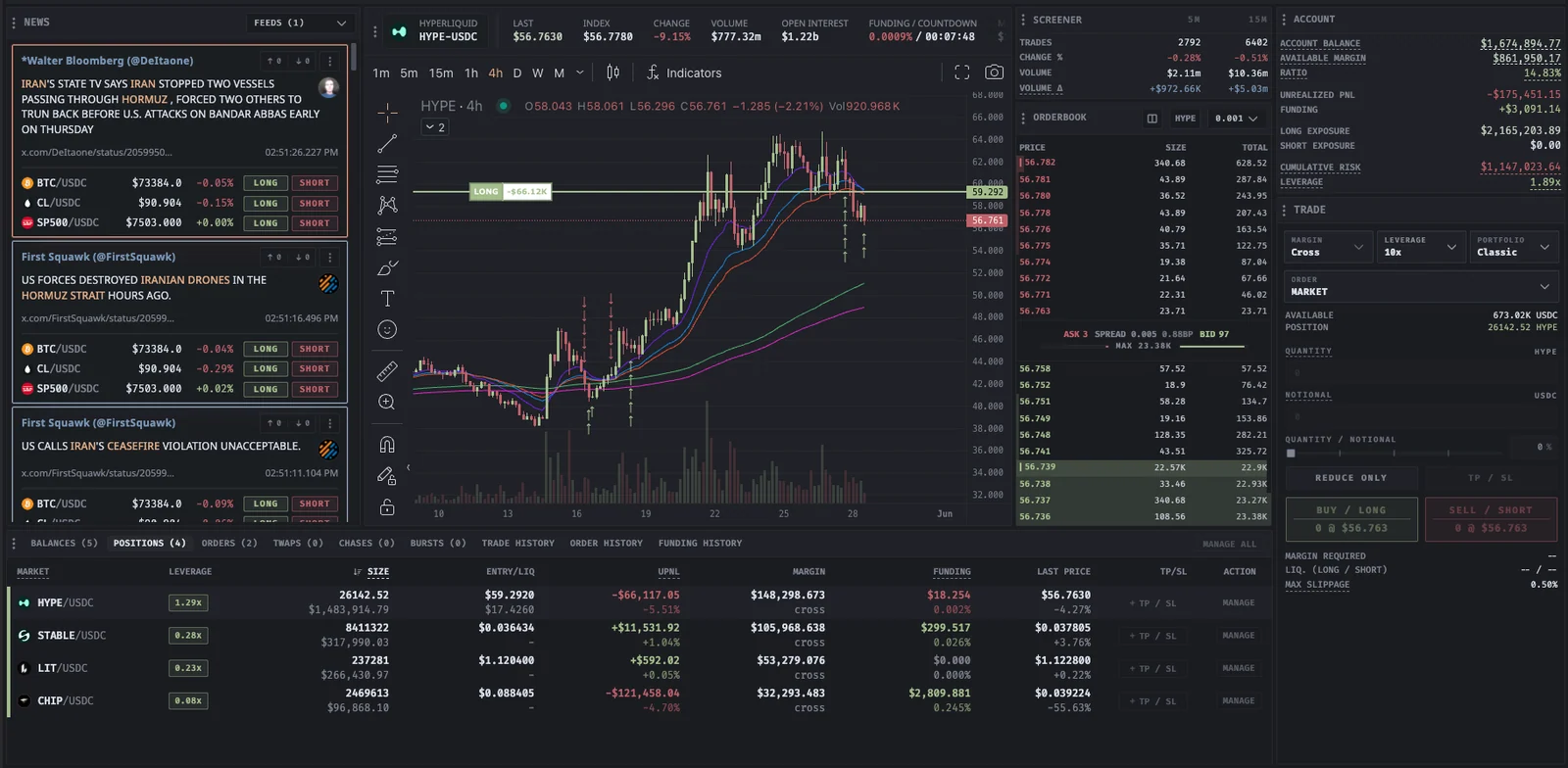
See when substantial trades hit Hyperliquid and when large positions are liquidated. Proliquid connects the print with its market and public address, giving you a way to investigate the activity behind the number.
Hyperliquid whale alerts
Built for your next move
High-notional prints show substantial public Hyperliquid activity. Inspect the market, direction, and timing alongside the price reaction.
Look for repeated activity from the same public address. Read-only Spectate mode and public explorers provide more context where address data is available.
Large liquidation events show positions reduced by exchange risk mechanics. Keep that distinction visible when you assess an unusually large print.
Open the related market with its chart, depth, news, screener metrics, and your own account context in the terminal.
In your workflow
A large print tells you something happened. Repeated activity and the market response help you understand what it might mean.
Open the whale feedCheck whether the feed item is a trade or liquidation, then review its market, size, direction, and time.
Use available address links or Spectate to review public activity. A single trade may be only one part of a larger position.
Read price, liquidity, funding, and news together. Large trades can be hedges, exits, or rebalances, so size alone does not establish direction.
The feed surfaces high-notional public Hyperliquid trades and large liquidation events, with market and address context where available.
When address information is available, you can follow public context and use Spectate mode. Spectate is read-only and does not give you control of another wallet.
A whale trade is a large public execution. A liquidation is a forced position reduction under the exchange's risk rules. The reason behind the activity changes how you interpret the print.
No. The trade might hedge another position or close earlier exposure. Use the print as a research input alongside price, funding, liquidity, news, and repeated address activity.
 YOUR NEXT MOVE STARTS HERE
No subscription. Every tool included.