Control urgency and price.
Market orders prioritize execution with a slippage limit. Limit orders set a price with GTC, IOC, or maker-only ALO behavior.
Advanced orders
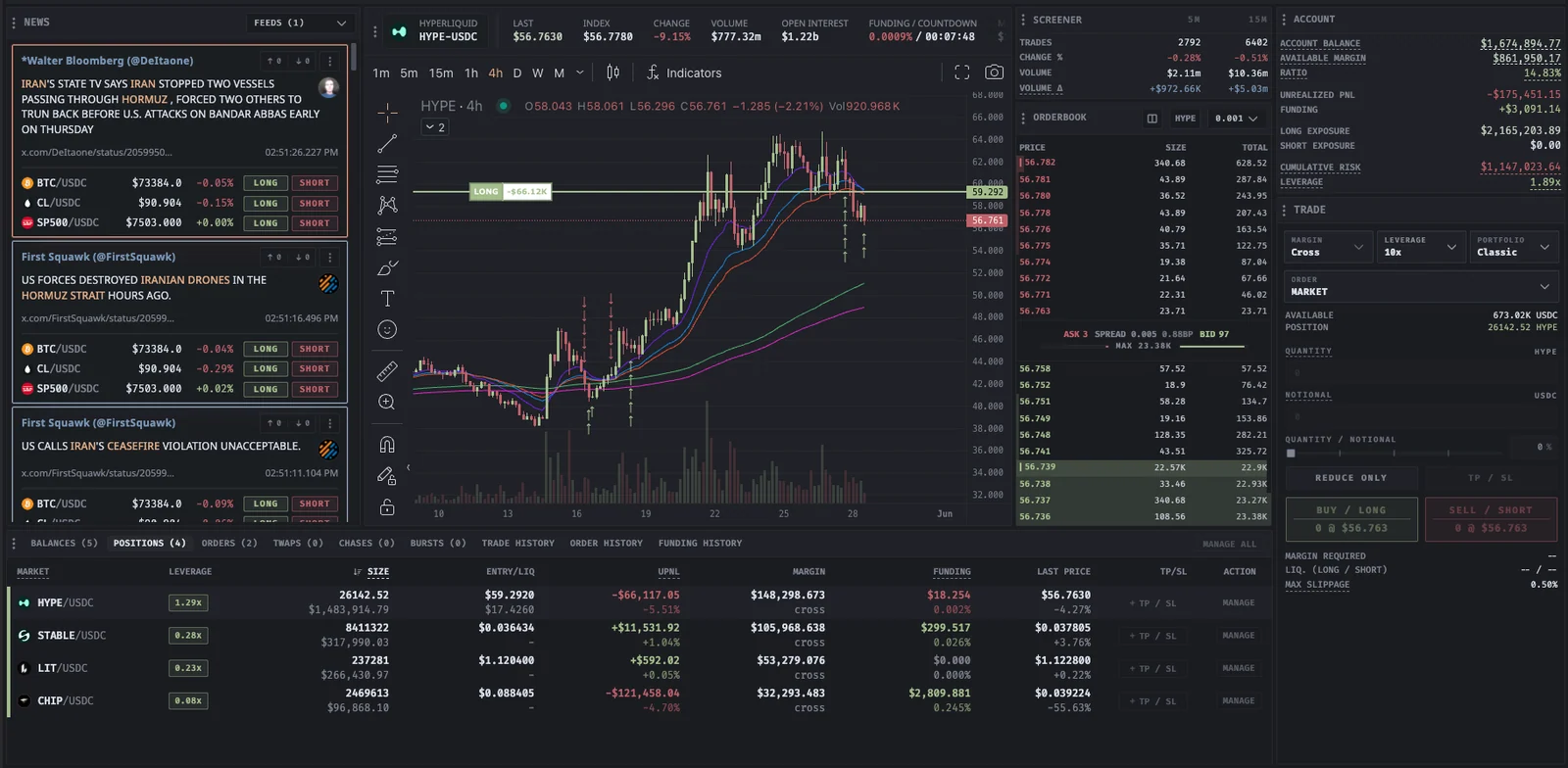
An entry price is only one part of an order. Proliquid gives you controls for urgency, maker intent, visible size, and execution timing, with active orders, fills, and positions in the same workspace.
Advanced orders
Built for your next move
Market orders prioritize execution with a slippage limit. Limit orders set a price with GTC, IOC, or maker-only ALO behavior.
Scale distributes limit orders across a price range. Iceberg works a larger passive order through smaller visible clips at a fixed price.
Chase replaces maker-only orders near the best bid or ask until it fills or stops. Distance controls let you limit how far it follows.
TWAP paces slices over a duration. Burst sends aggressive batches with refill delays. Monitor fills and remaining size as either workflow progresses.
| Order | How it works | Main control |
|---|---|---|
| Market | Immediate execution within a price limit | Maximum slippage |
| Limit | Order at a selected price | GTC, IOC, or maker-only ALO |
| Scale | Limit orders across a price range | Range, order count, and skew |
| Chase | Updates near the best bid or ask | Maker-only intent and distance limit |
| Iceberg | One visible clip at a fixed price | Displayed size and fixed price |
| TWAP | Slices spread across a duration | Duration, lots, and execution mode |
| Burst | Repeated aggressive batches | Batch size, delays, and slippage |
| Trailing stop | Position protection after activation | Activation price and venue rules |
Availability and controls depend on the selected exchange and order path. The documentation explains each order's behavior and monitoring requirements.
Read the documentation
In your workflow
Advanced orders give you more ways to express an execution plan. Review the controls for the selected exchange before starting it.
Explore advanced ordersDecide whether price, speed, passive participation, visible size, or pacing is the priority for this order.
Check quantity, price or slippage, timing, reduce-only, and supported take-profit or stop-loss settings in the trade form.
Use active-order views, trade history, and positions to follow fills and remaining exposure. Maker-only orders can remain unfilled.
Proliquid documents Market, Limit, Scale, Chase, Iceberg, TWAP, Burst, and Trailing stop workflows. Check the selected exchange and market in the trade form for supported controls.
Chase works maker-only ALO orders near the best bid or ask and replaces them as the market changes. It continues until filled, stopped, or limited by its distance settings. It does not guarantee a fill.
TWAP distributes slices over a configured duration. Burst sends aggressive batches with delays for orderbook refill. Both split size, with different pacing and execution behavior.
These controls are available where the exchange and selected order path support them. Review their state in the trade form and monitor the resulting orders and position.
 YOUR NEXT MOVE STARTS HERE
No subscription. Every tool included.